
H1 — HTML Tags & WYSIWYG Style Reference
This page exercises every style a content editor can produce, so the theme’s CSS can be checked against real Gutenberg output. Each section is labelled with the tag or block it tests. Sections are deliberately adjacent with no spacer blocks, so vertical rhythm between block-level elements is visible.
H2 — Headings
A paragraph directly after an H2. The gap between this and the heading above is the H2/P spacing.
H3 — Third level heading
A paragraph directly after an H3.
H4 — Fourth level heading
A paragraph directly after an H4. This is the pairing called out in the QA checklist — check the gap above is smaller than the gap below.
A second consecutive paragraph, to compare P/P spacing against H4/P spacing.
H5 — Fifth level heading
A paragraph directly after an H5.
H6 — Sixth level heading
A paragraph directly after an H6.
Heading followed immediately by another heading
H4 stacked directly under an H3
Check that the H3/H4 gap does not collapse to zero.
Inline formatting
Body copy with strong text, emphasised text, an external link, an in-page link, struck-through text, inline code, highlighted text, subscript and superscript, an AIA abbreviation, a Ctrl + S keyboard shortcut, small print, a cited work, and an inline quotation
.
Editorial marks: deleted text and inserted text, a defined term, sample output Exit code 0, and a variable. A manual line break follows this sentence.
This sentence is after a <br>.
Paragraph at the body-small preset size.
Paragraph at the body-1 preset size — the largest body preset, often used as a lead-in.
Paragraph with a preset background and text colour applied from the editor. Check the padding around the text.
Centre-aligned paragraph.
Right-aligned paragraph.
Lists
Unordered, with nesting
- First item in an unordered list
- Second item, long enough to wrap onto a second line so the hanging indent and the alignment of the wrapped line against the bullet can be checked properly
- Third item with a nested list
- Nested level two
- Nested level two, second item
- Nested level three
Ordered, with nesting
- First numbered item
- Second numbered item
- Nested numbered item
- Another nested numbered item
- Third numbered item
Description list (no block — raw HTML)
- Discipline
- Architecture, engineering and surveying services delivered under one roof.
- Delivery method
- Design-bid-build
- Design-build
- Sector
- Higher education
Quotations
A standard block quote. The design should make it clearly distinct from body copy — a rule, an indent, a size change, or all three.
Attribution line, Farnsworth Group
A block quote using the built-in “Plain” block style.
Plain style attribution
A pull quote, which uses different markup from a block quote and is styled separately.
Pull quote attribution
Tables
| Project | Market | Year | Value |
|---|---|---|---|
| Mountaineer Bowl Events Complex | Higher education | 2025 | $24.0M |
| Manufacturing Training Academy | Advanced manufacturing | 2024 | $11.4M |
| Regional Data Centre | Data centres | 2024 | $86.2M |
| Total | $121.6M |
| Header A | Header B |
|---|---|
| Striped row one | Value |
| Striped row two | Value |
| Striped row three | Value |
Code, preformatted and verse
// Code block — should be monospace, should not overflow the page,
// and a long line like this one should either wrap or scroll inside its own box rather than pushing the layout wider.
function farnsworth_enqueue_styles() {
    wp_enqueue_style( 'farnsworth-print', $uri, array(), $ver, 'print' );
}
Preformatted block.
Whitespace and line breaks
are preserved exactly as typed.
A verse block
    keeps its line breaks
        but uses the body typeface.
Media
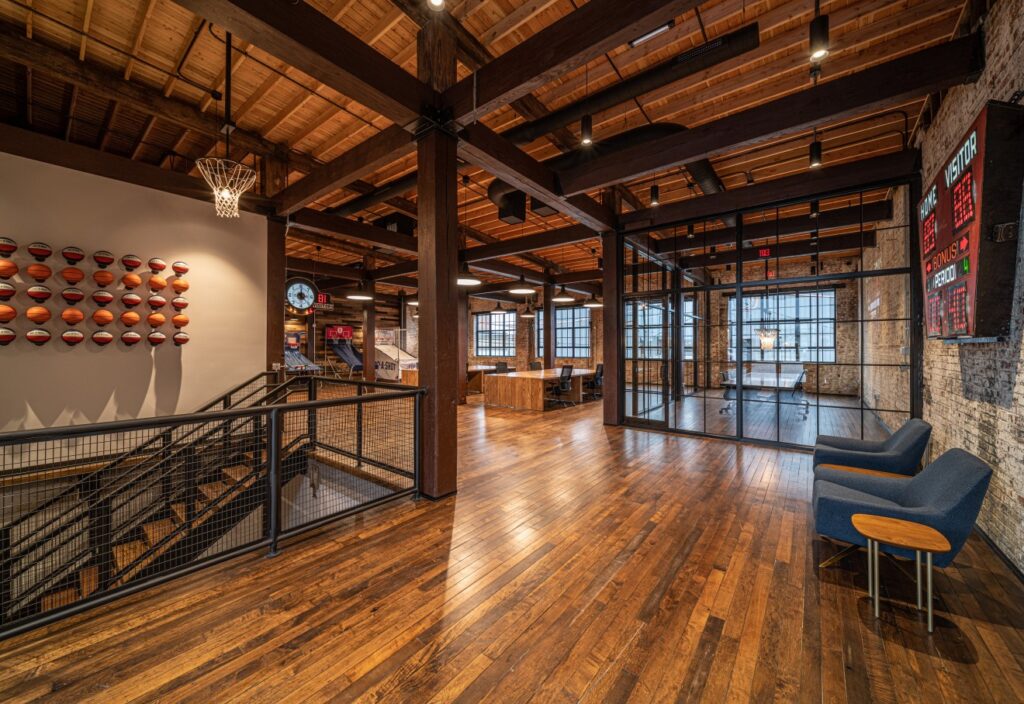
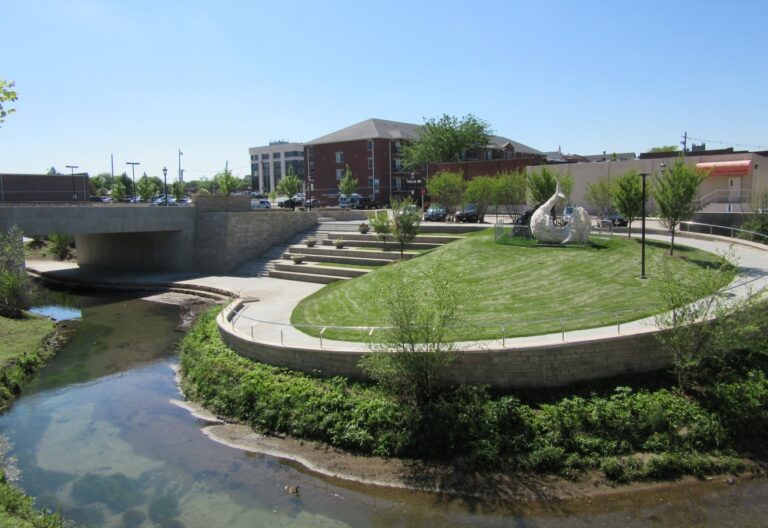
This paragraph sits beside a left-aligned (floated) image. Floats are the classic thing that misbehaves in print and at narrow widths, so check that this text wraps correctly here and that the float is cleared before the next section starts. Add enough words that the wrap is actually visible across at least three or four lines of body copy at desktop width.
Buttons
Layout blocks
Column one
An H4 at the top of a column, with a paragraph under it. Column internals need the same vertical rhythm as the main flow.
Column two
A second column, to confirm the gutter between columns and that both columns start at the same baseline.
Group with a background
A group block with a preset background colour. Check that the group has padding so the text is not flush against the coloured edge.
Remaining raw HTML tags
Tags below have no block in the inserter but can still reach the page through pasted content, the HTML block, or a plugin.
Farnsworth Group2709 McGraw Drive
Bloomington, IL 61704
A bare figure wrapping a blockquote with a cite attribute.
A paragraph containing a very long unbroken string to test overflow handling: Supercalifragilisticexpialidocious_Antidisestablishmentarianism_Pneumonoultramicroscopicsilicovolcanoconiosis
| Column | Column |
|---|---|
| Row header | Cell |
Deprecated big tag, deprecated tt tag, underlined text, bold b tag, italic i tag.